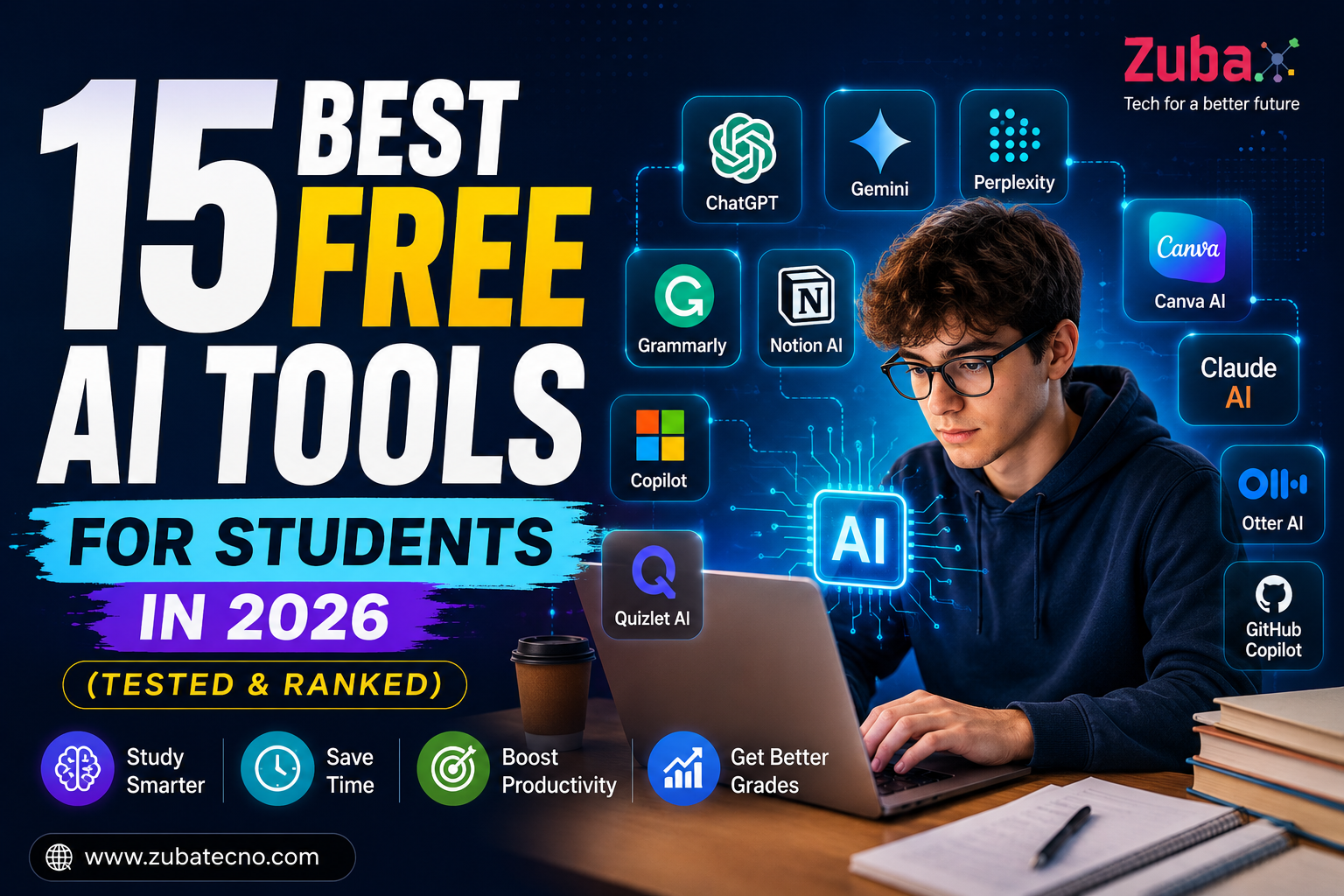
Artificial Intelligence is transforming education faster than ever before. In 2026, students have access to powerful AI tools that can assist with research, writing, note-taking, studying, coding, presentations, and productivity. The best part? Many of these tools offer generous free plans that are more than enough for everyday academic work.
If you’re searching for the best free AI tools for students 2026, this guide ranks the most useful platforms based on features, ease of use, accuracy, and overall value.
Whether you’re a high school student, college student, or university researcher, these AI tools can save hours every week and help improve your academic performance.
Why Students Are Using AI More Than Ever in 2026
Modern students face increasing workloads, tighter deadlines, and more complex assignments. AI tools can help by:
- Summarizing long articles
- Generating study notes
- Explaining difficult concepts
- Creating presentations
- Improving writing quality
- Organizing research materials
- Helping with coding assignments
- Increasing productivity
Used responsibly, AI acts like a personal study assistant available 24/7.
1. ChatGPT
Best For: Research, Writing, Studying, Brainstorming
ChatGPT remains one of the most versatile AI tools available to students. It can explain complex topics, generate study guides, answer questions, create flashcards, and even help with coding assignments.
Key Features
- Instant explanations for complex subjects
- Essay outlines and full drafts
- Study guides and summaries
- Coding assistance and debugging
- Language learning support
- Brainstorming ideas for projects
Pros
✔ Easy to use
✔ Supports multiple subjects
✔ Excellent for brainstorming
✔ Highly accurate explanations
Cons
✖ Advanced features require a paid plan
Student Rating: 9.8/10
2. Google Gemini
Best For: Academic Research
Google Gemini has become one of the strongest AI research assistants. It integrates well with Google Search and provides current information, making it valuable for research projects.
Key Features
- Real-time information from the web
- Research assistance with updated data
- Google Docs and Drive integration
- File and PDF analysis
- Multi-modal capabilities (text + images)
Pros
✔ Excellent research capabilities
✔ Fast responses
✔ Strong factual accuracy
✔ Seamless Google ecosystem integration
Student Rating: 9.6/10
3. Perplexity AI
Best For: Fact-Checked Research
Perplexity AI provides answers with sources, making it a favorite among students who need reliable references.
Key Features
- Source citations for every answer
- Research-focused AI mode
- Web search integration
- Quick summaries of articles
- Follow-up question support
Pros
✔ Great for academic projects
✔ Provides references
✔ Easy verification
✔ Saves research time
Student Rating: 9.5/10
4. Grammarly
Best For: Writing Improvement
Grammarly helps students improve grammar, spelling, clarity, tone, and overall writing quality.
Key Features
- Grammar and spelling correction
- AI rewriting suggestions
- Tone and clarity improvements
- Plagiarism detection
- Writing style enhancement
Pros
✔ Improves academic writing
✔ Saves editing time
✔ Easy browser integration
✔ Works across multiple platforms
Student Rating: 9.4/10
5. Notion AI
Best For: Note-Taking and Organization
Notion AI is one of the most powerful productivity tools for students. It combines note-taking, task management, and AI assistance into one platform, helping students stay organized and efficient.
Key Features
- AI-generated summaries of notes and lectures
- Smart note-taking with structured layouts
- Task and project management tools
- AI writing assistant for essays and reports
- Database and knowledge management system
- Collaboration tools for group projects
Pros
✔ All-in-one productivity tool
✔ Highly customizable workspace
✔ Great for organizing study materials
✔ Helps manage assignments and deadlines
Cons
✖ Can feel complex for beginners
✖ Some advanced AI features are limited in free plan
Student Rating: 9.3/10
6. Canva AI
Best For: Presentations and Design
Canva AI makes it easy for students to create professional presentations, posters, and visual content without design skills.
Key Features
- AI-powered slide generation
- Thousands of templates
- Magic Design and Magic Write tools
- Image and video editing tools
- Infographic creation
Pros
✔ Beginner-friendly
✔ Saves hours of design work
✔ High-quality templates
✔ Free plan is very generous
Cons
✖ Some premium templates require payment
Student Rating: 9.2/10
7. Claude
Best For: Long Documents and Deep Analysis
Claude is known for handling long documents and providing detailed, thoughtful responses. It’s ideal for reading research papers or analyzing large texts.
Key Features
- Long document analysis
- Detailed summaries
- Context-aware responses
- Ethical and safe AI responses
Pros
✔ Excellent for research papers
✔ Handles large text inputs
✔ High-quality explanations
Cons
✖ Limited availability in some regions
Student Rating: 9.2/10
8. Microsoft Copilot
Best For: Productivity and Office Work
Microsoft Copilot integrates directly with Word, Excel, PowerPoint, and Outlook, making it extremely useful for students working on assignments and presentations.
Key Features
- AI writing in Word
- Data analysis in Excel
- Presentation creation in PowerPoint
- Email drafting in Outlook
Pros
✔ Seamless integration with Microsoft tools
✔ Boosts productivity
✔ Great for assignments
Cons
✖ Requires Microsoft ecosystem
Student Rating: 9.1/10
9. Quizlet AI
Best For: Exam Preparation
Quizlet AI helps students create flashcards, quizzes, and study sets quickly.
Key Features
- AI-generated flashcards
- Practice tests
- Study modes
- Memory-based learning tools
Pros
✔ Great for memorization
✔ Easy to use
✔ Effective for exams
Cons
✖ Limited advanced features in free version
Student Rating: 9.0/10
10. Otter AI
Best For: Lecture Notes
Otter AI records lectures and converts them into text automatically.
Key Features
- Real-time transcription
- Audio recording
- Searchable notes
- Speaker identification
Pros
✔ Saves time during lectures
✔ Accurate transcription
✔ Easy to review notes
Cons
✖ Limited free minutes
Student Rating: 8.9/10
11. Elicit
Best For: Academic Research Papers
Elicit helps students find and summarize research papers quickly.
Key Features
- Research paper search
- AI summaries
- Data extraction
- Literature review assistance
Pros
✔ Ideal for research students
✔ Saves hours of reading
✔ Accurate summaries
Cons
✖ Limited database compared to Google Scholar
Student Rating: 8.8/10
12. Gamma AI
Best For: AI Presentations
Gamma creates professional presentations from simple prompts.
Key Features
- AI slide creation
- Interactive presentations
- Clean design layouts
- Fast generation
Pros
✔ Saves time
✔ Modern designs
✔ Easy to use
Cons
✖ Limited customization
Student Rating: 8.8/10
13. GitHub Copilot
Best For: Programming Students
GitHub Copilot assists with coding and software development tasks.
Key Features
- Code suggestions
- Auto-completion
- Debugging help
- Multi-language support
Pros
✔ Speeds up coding
✔ Great for beginners
✔ Supports many languages
Cons
✖ Requires coding knowledge
Student Rating: 8.7/10
14. Wolfram Alpha
Best For: Mathematics
Wolfram Alpha is perfect for solving equations and understanding complex math concepts.
Key Features
- Step-by-step solutions
- Advanced calculations
- Graphing tools
- Scientific data
Pros
✔ Highly accurate
✔ Great for STEM students
✔ Detailed explanations
Cons
✖ Interface can feel outdated
Student Rating: 8.6/10
15. Speechify
Best For: Learning Faster
Speechify converts text into audio, helping students consume information more efficiently.
Key Features
- Text-to-speech conversion
- Multiple voice options
- Speed control
- Mobile and desktop support
Pros
✔ Helps auditory learners
✔ Saves reading time
✔ Easy to use
Cons
✖ Premium voices require payment
Student Rating: 8.5/10
Comparison Table
| Tool | Best For | Free Plan | Rating |
|---|---|---|---|
| ChatGPT | General Study | Yes | 9.8 |
| Gemini | Research | Yes | 9.6 |
| Perplexity | Research Sources | Yes | 9.5 |
| Grammarly | Writing | Yes | 9.4 |
| Notion AI | Organization | Yes | 9.3 |
| Canva AI | Presentations | Yes | 9.2 |
| Claude | Long Documents | Yes | 9.2 |
| Copilot | Productivity | Yes | 9.1 |
How to Choose the Right AI Tool
Choose ChatGPT for general learning, Perplexity for research, Grammarly for writing, Canva AI for presentations, and GitHub Copilot for programming assignments.
Using multiple AI tools together often produces the best results.
Frequently Asked Questions
ChatGPT is currently considered the best overall free AI tool due to its versatility, accuracy, and educational capabilities.
Most schools allow AI tools when used responsibly for learning and research rather than submitting AI-generated work as original assignments.
Perplexity AI and Google Gemini are excellent choices because they provide research-focused features and source-backed information.
AI can help students learn faster, stay organized, and understand difficult concepts, which may contribute to improved academic performance.
Final Verdict
The best free AI tools for students in 2026 offer incredible value without requiring expensive subscriptions. ChatGPT, Gemini, Perplexity, Grammarly, and Notion AI stand out as the strongest options for most students.
Students who learn how to use AI effectively will gain a significant advantage in research, productivity, writing, and academic success throughout 2026 and beyond.